
Updated October 4, 2026
VN Keyframe Animations, Explained Simply
VN keyframe animations, explained simply
Keyframes are VN's superpower: they let any property — zoom, position, opacity, rotation — change smoothly over time. That slow push-in on a subject, the text that glides in, the picture-in-picture that grows: all keyframes.
How they work
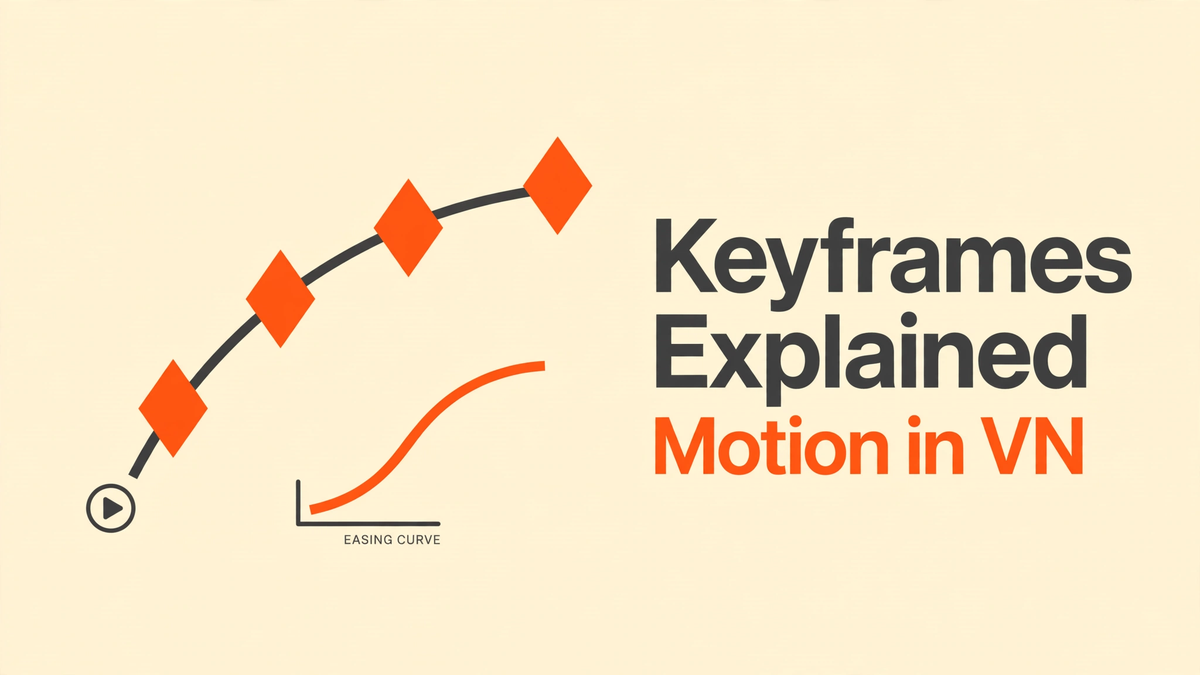
You set a keyframe to "pin" a value at one point in time, move forward on the timeline, change the value, and set another keyframe. VN animates the transition between them. Two keyframes, one smooth motion.
Practical recipes
- Cinematic push-in: keyframe scale from 100% to 120% over 2 seconds on your subject.
- Text entrance: keyframe position from off-screen to resting place, plus opacity 0→100%.
- Emphasis pop: quick scale-up on a beat drop, then ease back.
- Smooth pan: keyframe position left→right across a still photo for the Ken Burns effect.
Making it look good
Use easing curves (ease-in/out) so motion starts and stops naturally — linear keyframes look robotic. Keep animations subtle: the best motion design is felt, not noticed. And don't animate everything; pick one hero element per shot. For the full editing workflow these fit into, see our VN guide, and for choosing between editors, VN vs CapCut.